

Are you looking to embed a PDF directly in the WordPress Block Editor? The PDF Embedder block integrates with the Gutenberg editor so you can insert, preview, and configure a PDF embed without writing any shortcode manually.
This guide covers how to add the PDF Embedder block, select a PDF from the Media Library, and configure per-embed settings using the block sidebar.
Adding the PDF Embedder Block
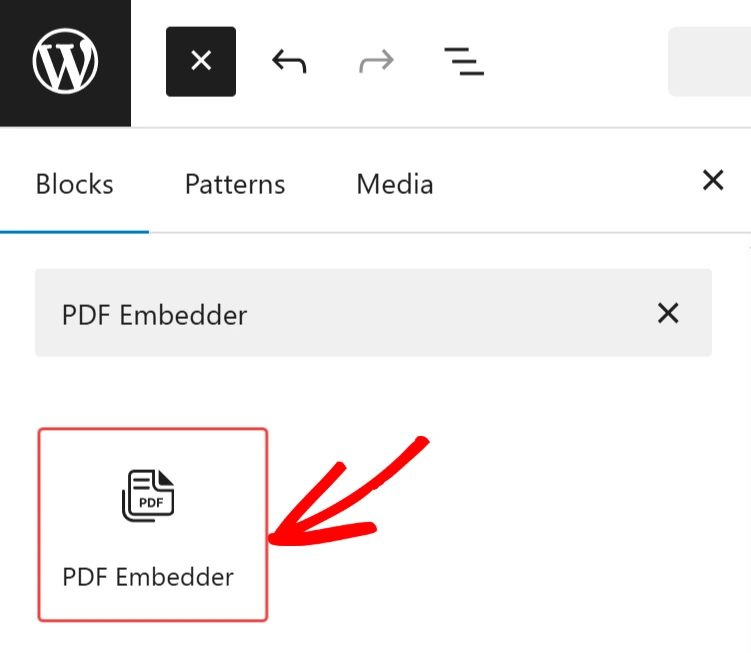
Open the post or page you want to edit in the Block Editor. Click the + icon to open the block inserter, then search for “PDF Embedder” and select it. The block is inserted into your content.
Selecting the PDF
After inserting the block, click on the Media Library button inside the PDF Embedder block you added.
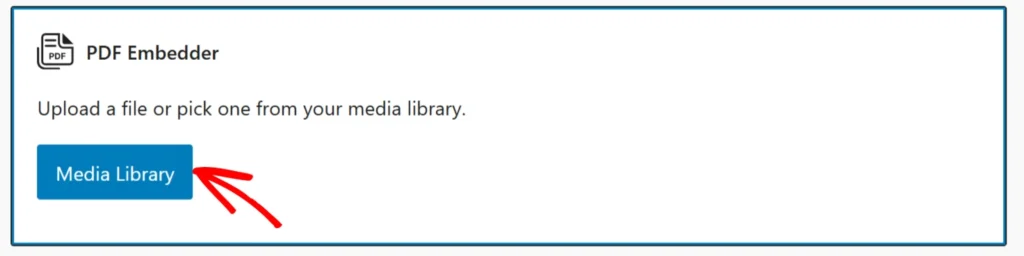
The WordPress Media Library should open, where you can upload a new PDF or select an existing one.
Once a file is selected, the block updates to show the embedded PDF URL in the editor.
Configuring the Block Settings
With the block selected, the right-hand sidebar shows settings for that specific embed.
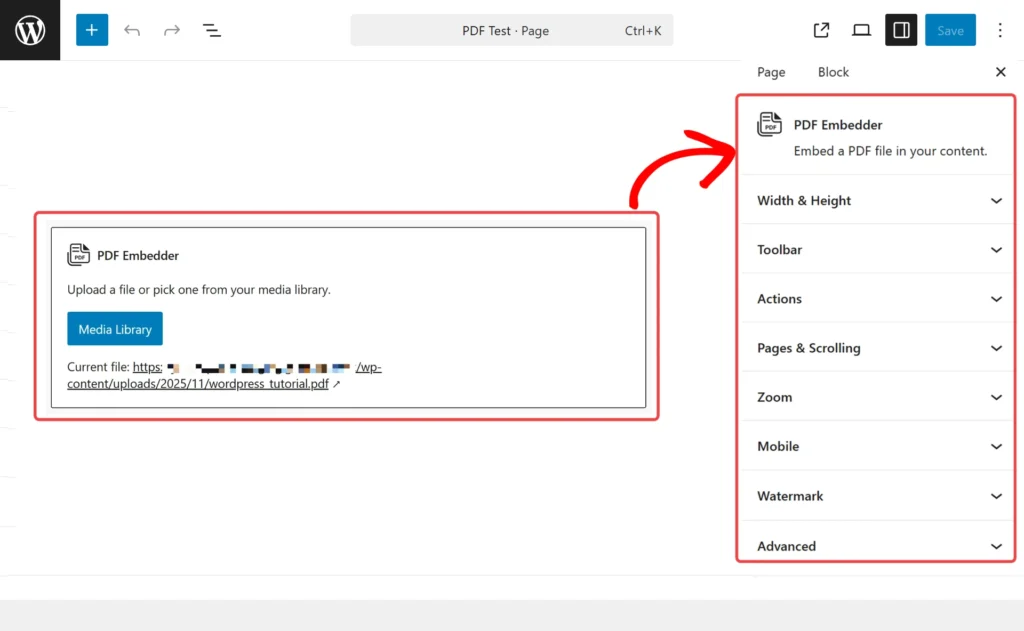
Any values set here override the global defaults configured in WordPress > Settings > PDF Embedder.
Similar to the global settings, not all the block settings are available with the free version of PDF Embedder.
In the sidebar, you can customize the following settings:
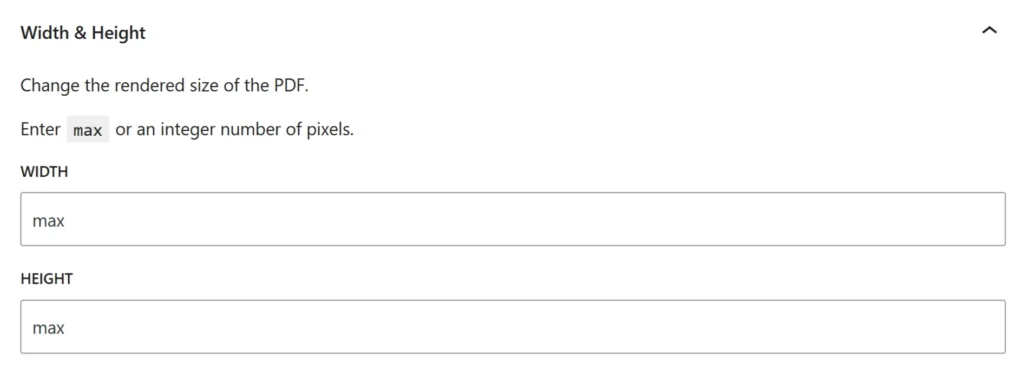
Width and Height
Set fixed pixel dimensions for this embed, or leave blank to use the global defaults.
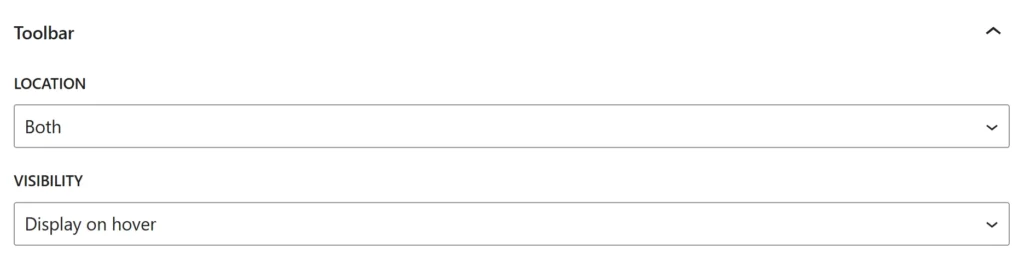
Toolbar
Choose where the toolbar appears and toggle whether the toolbar stays visible at all times or appears only on hover.
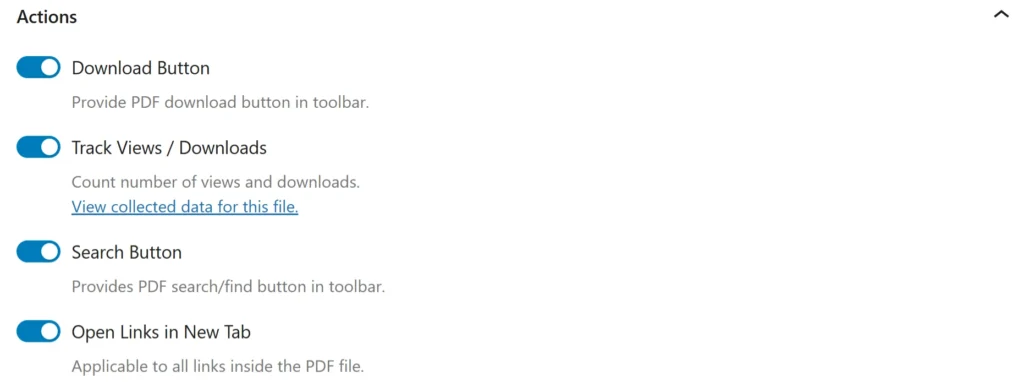
Actions Tab
In this tab, you can enable or disable:
- The download button
- The option to track views and downloads for this embed
- The search button
- Opening links in a new tab
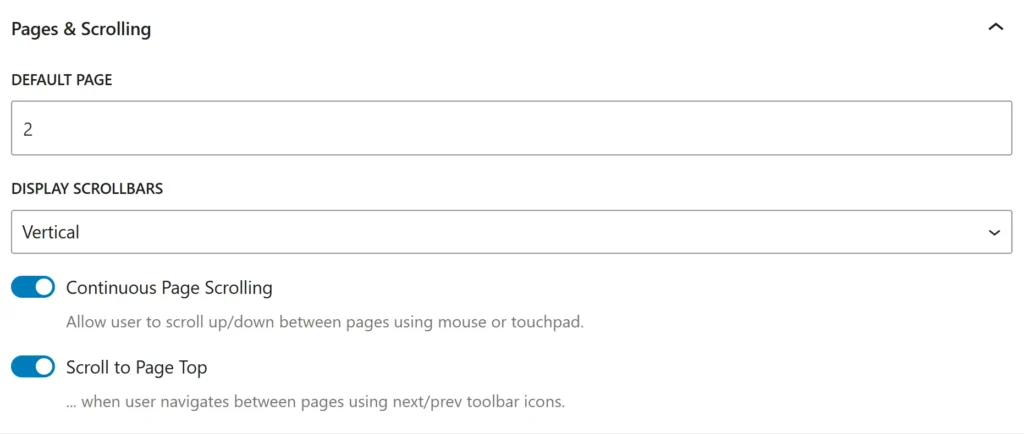
Pages and Scrolling
In this tab, you can set the start page and scrolling settings.
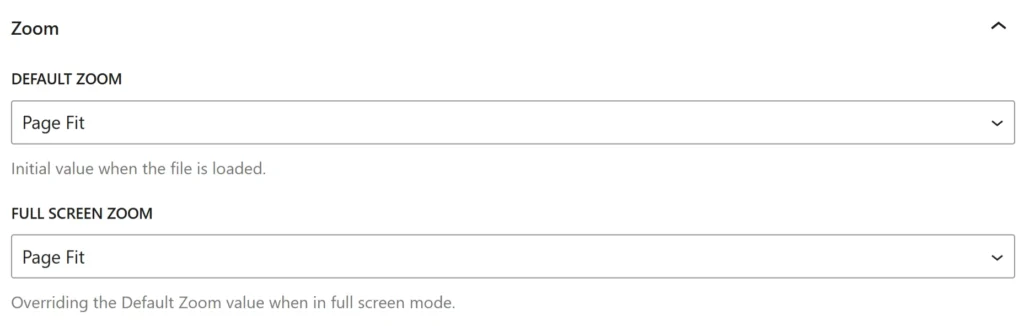
Zoom Options
Adjust the default zoom and full-screen zoom options.
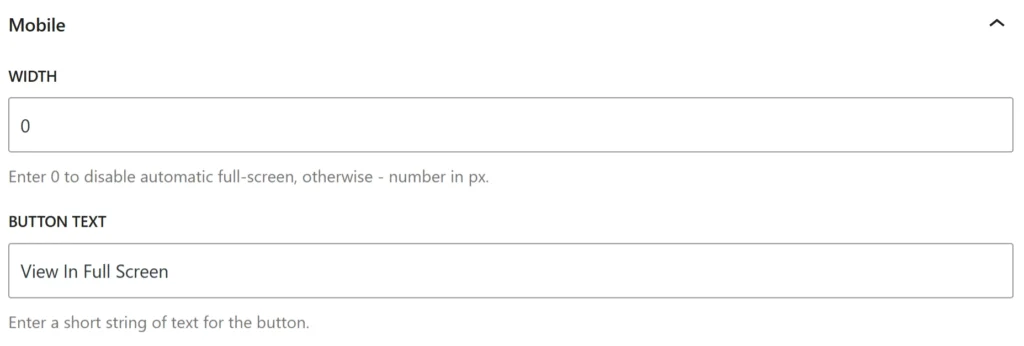
Mobile Options
Specify the mobile full-screen width and the full-screen button text.
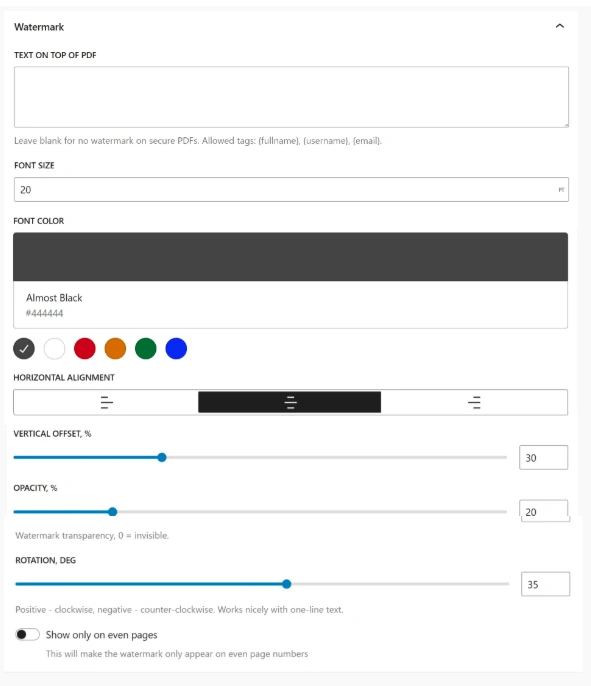
Watermarks
In this tab, you can add and customize a watermark specific to this PDF Embed.
Frequently asked questions
Below are some common questions about using the PDF Embedder block.
Does the block work with the Classic Editor plugin?
No. The PDF Embedder block requires the WordPress Block Editor (Gutenberg). If you use the Classic Editor plugin, please use the PDF Embedder shortcode.